For site operators
Wireless where your crews work.
Your technicians and maintenance teams get a network that lives where they do their job: on the yard, in the hall, down the tunnel.


The Airfy family
Airfy industrial mesh
Dust, heat, frost, damp, vibration, and no cable where the network is needed. Airfy builds the device, the firmware and radio links where your site needs them, and then runs the network.
01 · The site
01 / 06 · Hall · dust
Fine dust settles on and inside everything that hangs there.
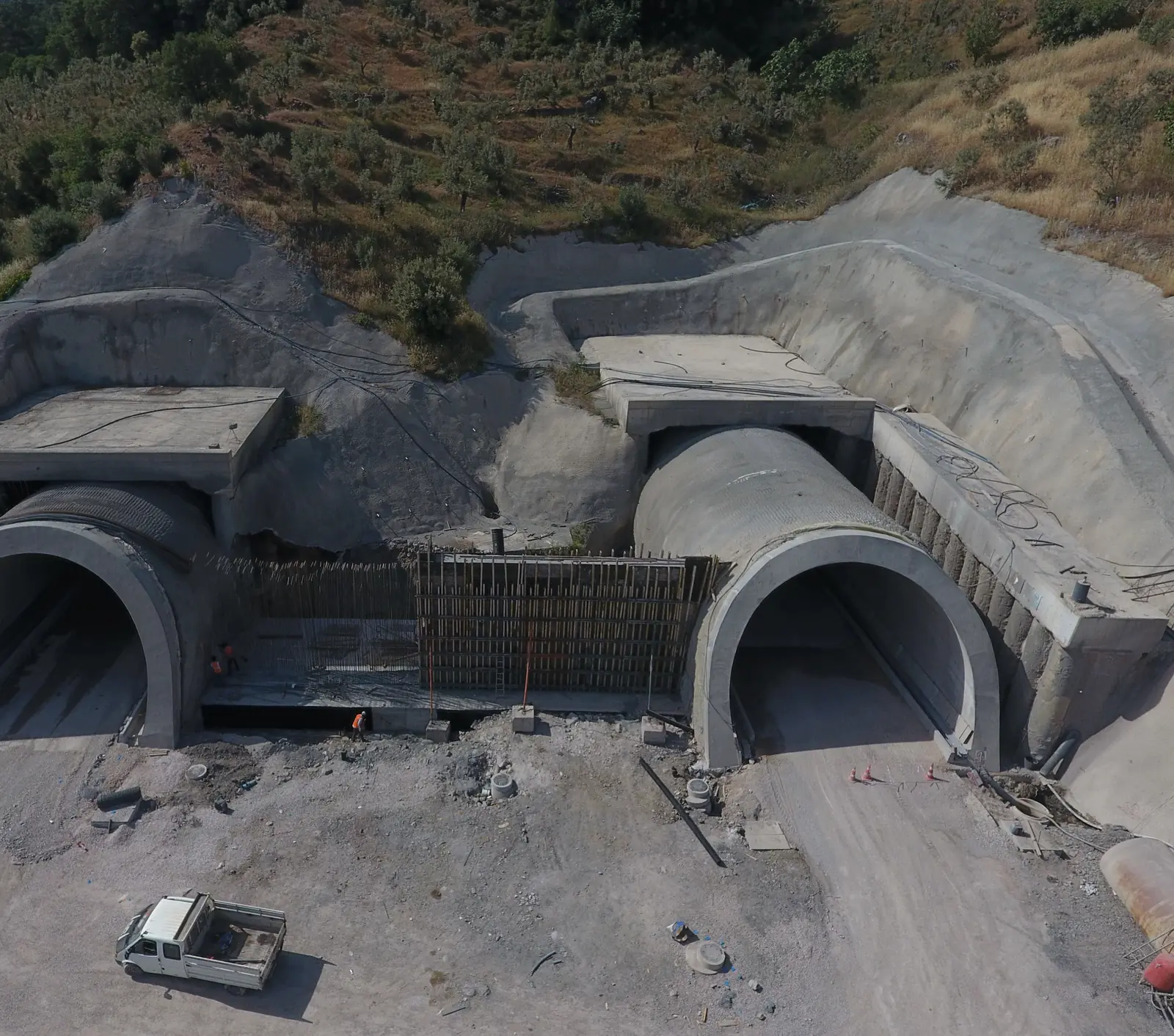
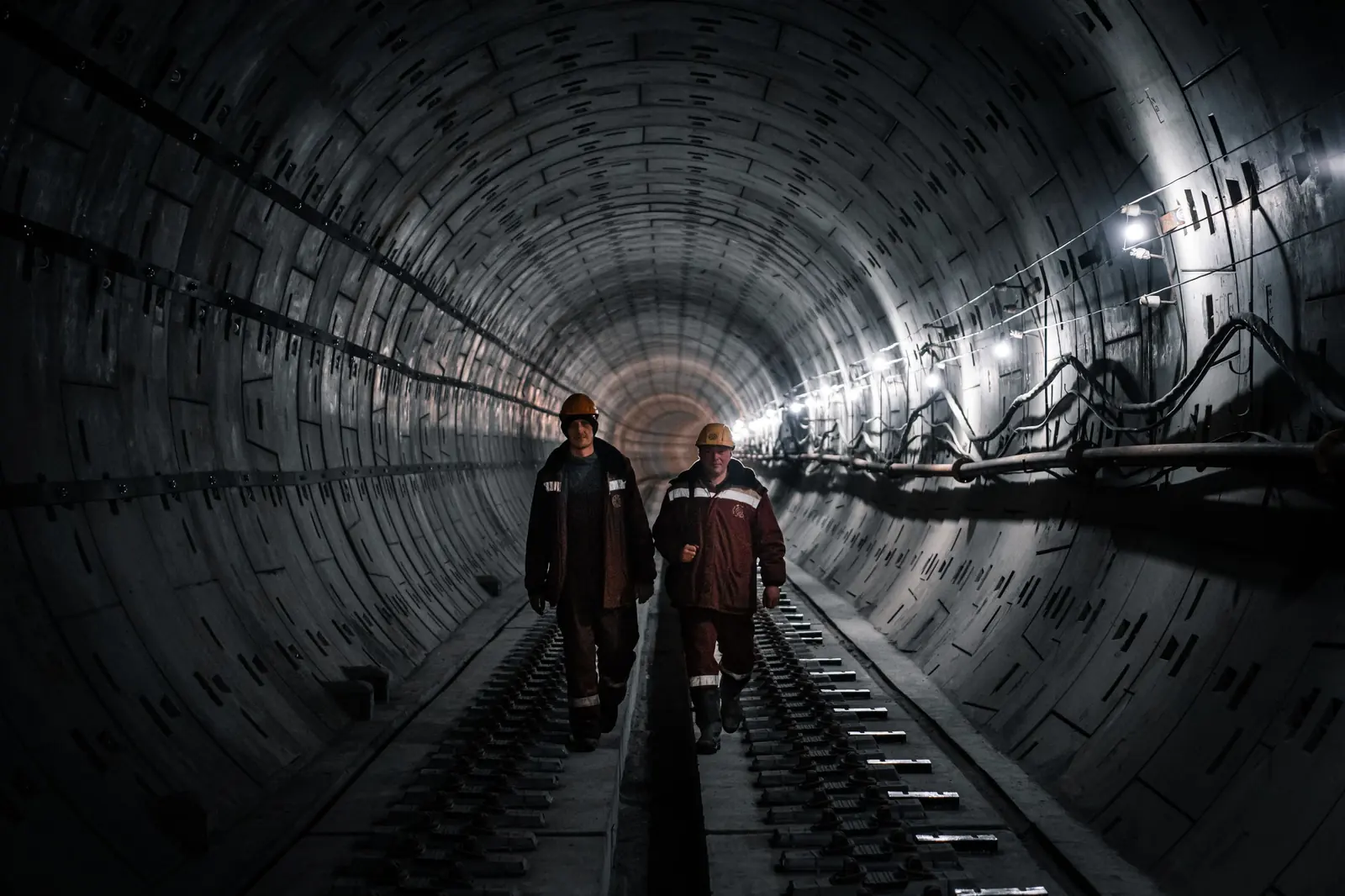
Long, narrow, walled in. Coverage behaves nothing like it does in an open-plan office.
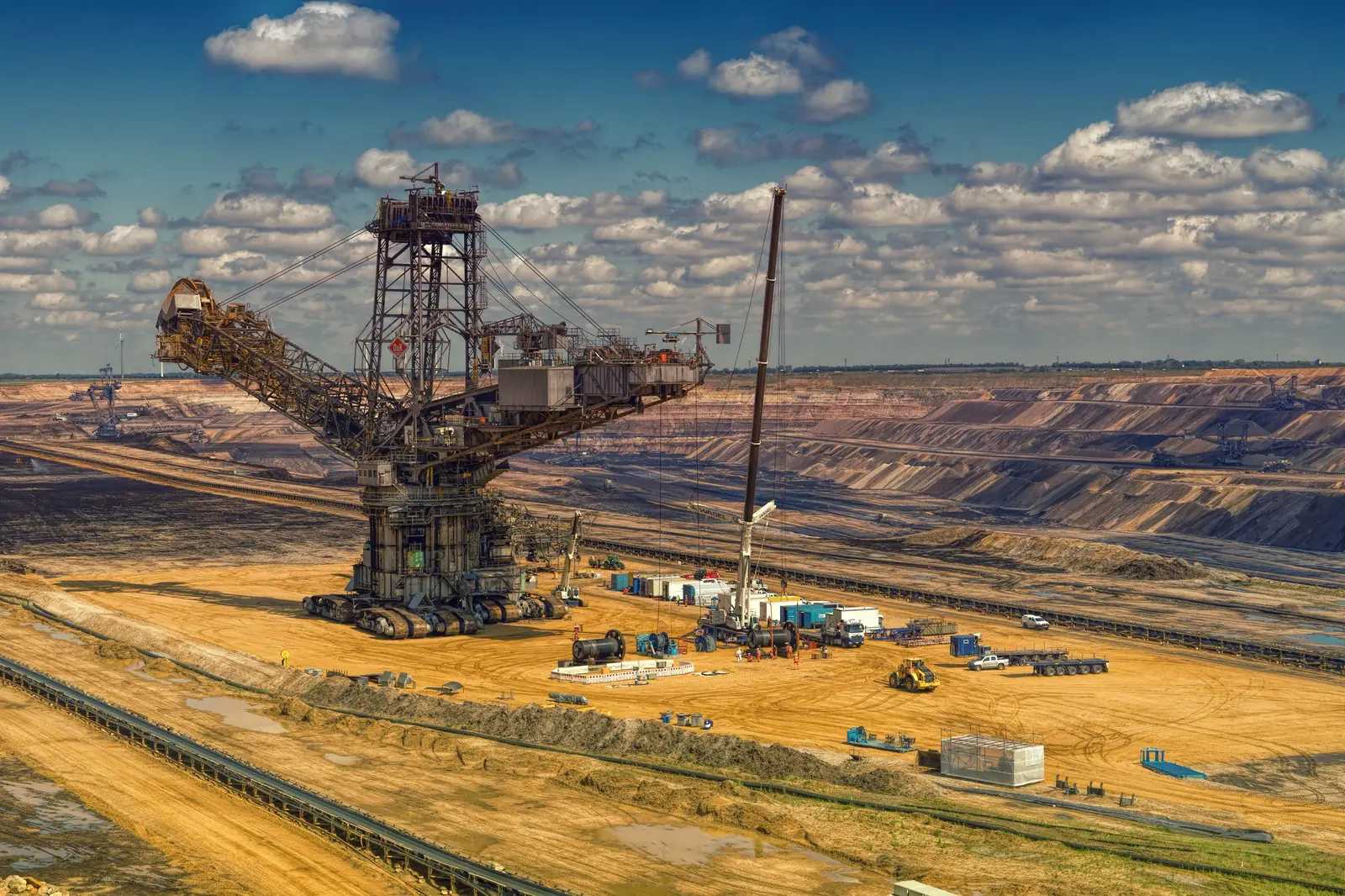
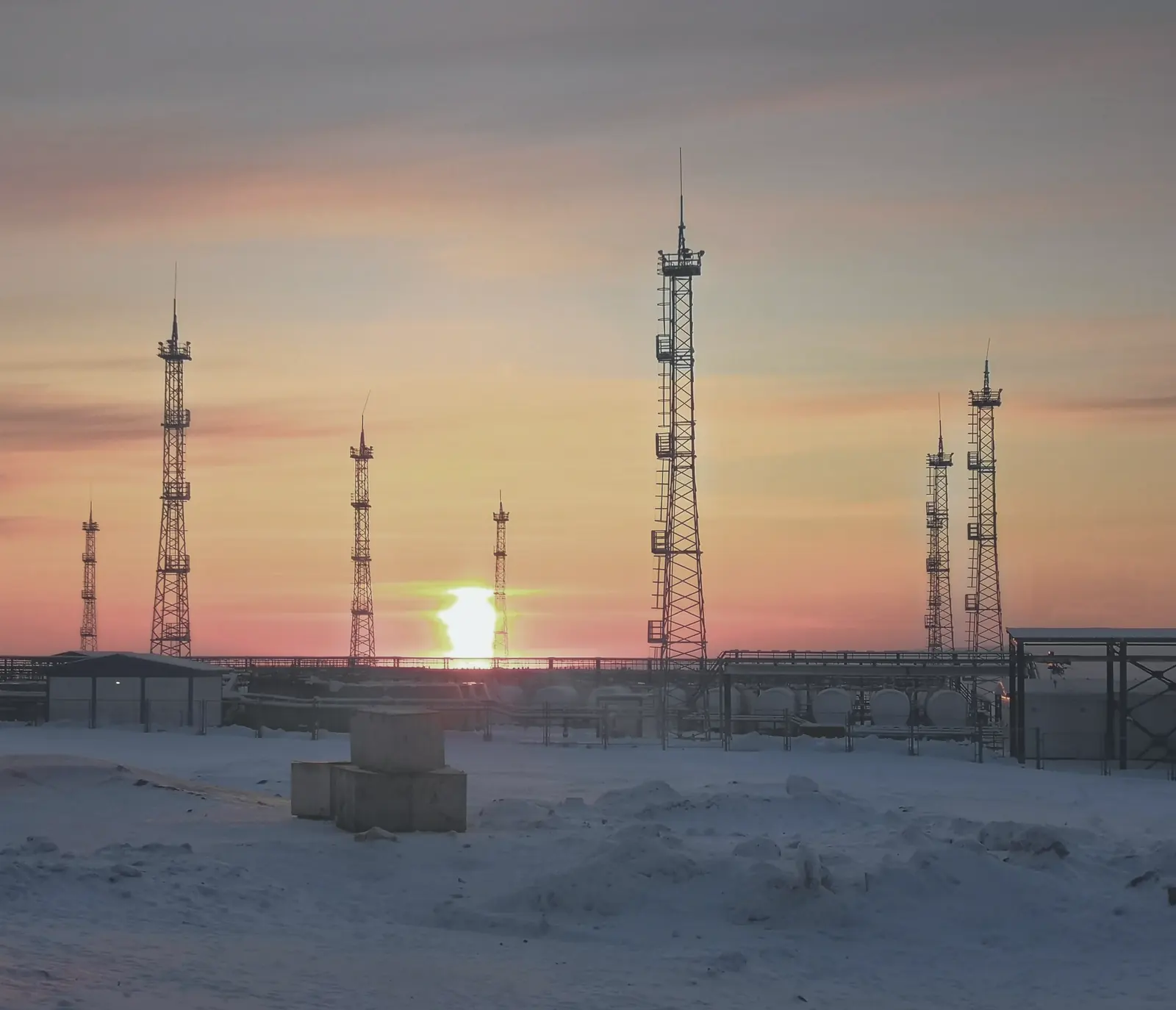
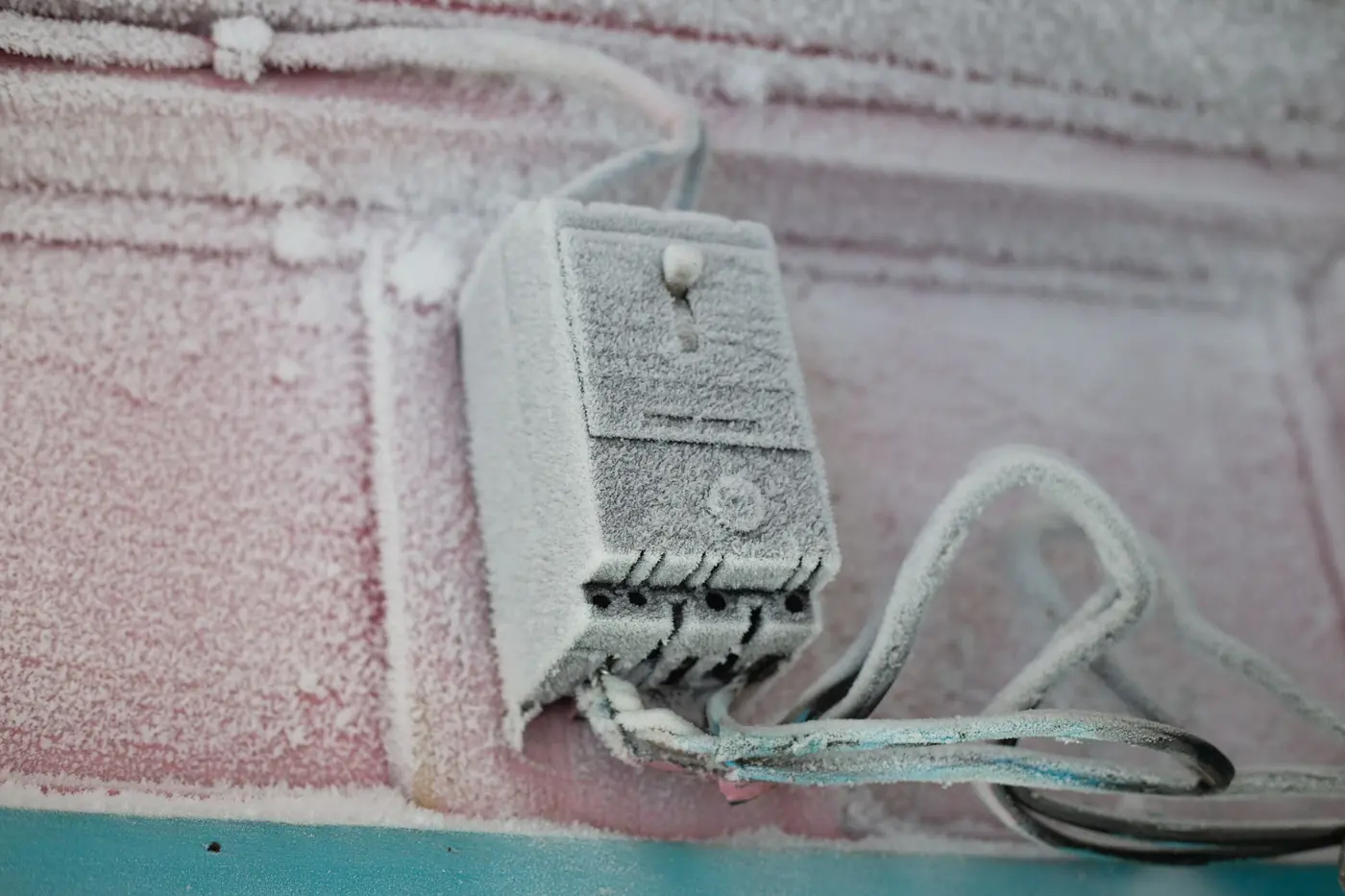
Baking sun on bare ground in summer. Snow and ice on the same ground in winter.
Rain, spray and condensation. Every day, not only on bad ones.
Constant vibration, exactly where the work and the data are.
The cable stops short of exactly the spot that needs the network.
An office access point isn’t built for this.
Standard Wi‑Fi doesn’t fit here. And cable can’t reach everywhere.
02 · The build
For each project, Airfy builds what a standard device can’t do: enclosure, electronics and firmware made to measure, radio links where your site needs them, and a managed service that runs the network afterwards.
01 · Enclosure
Airfy designs its enclosures in‑house, laid out for the dust, damp, heat, frost or vibration your site actually has.
02 · Electronics
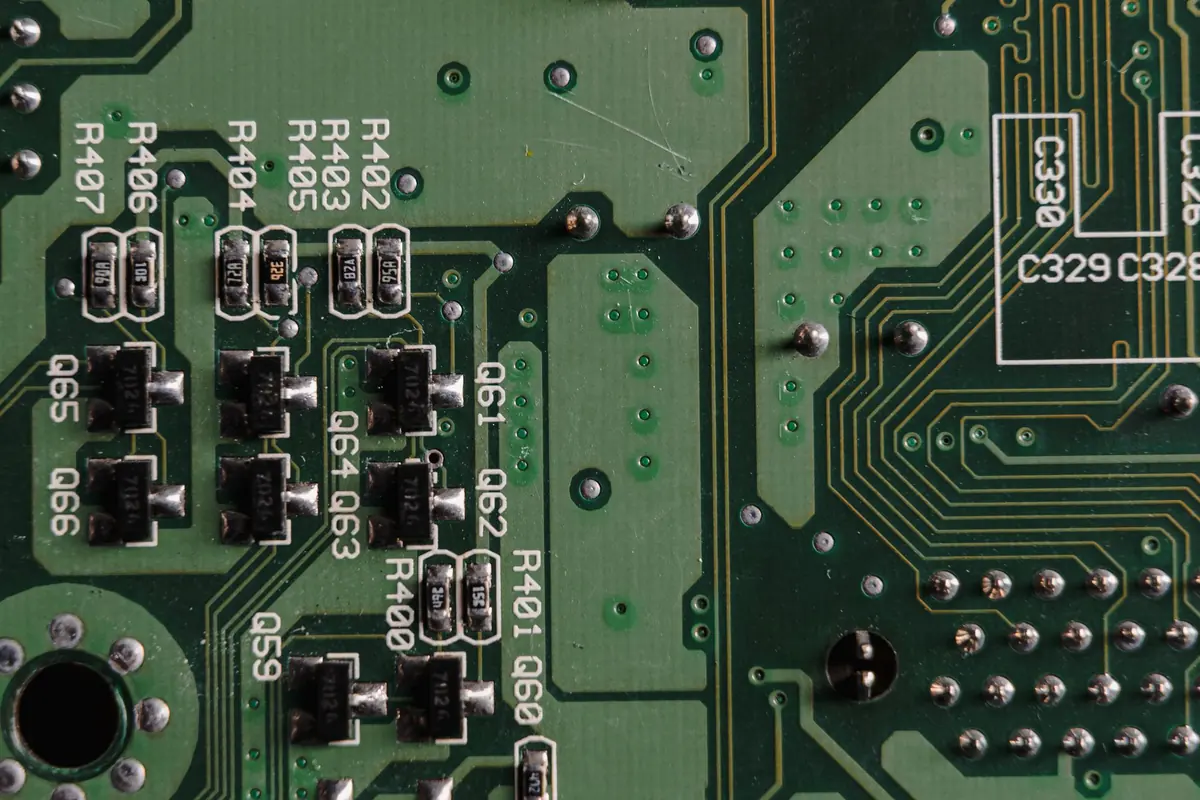
Airfy designs the electronics itself, so the hardware matches the job instead of a catalogue.
03 · Firmware
Every device runs Airfy’s own Linux, made to do what your site needs. Airfy builds it with the help of AI agents, and every change is reviewed and logged.
04 · Radio links
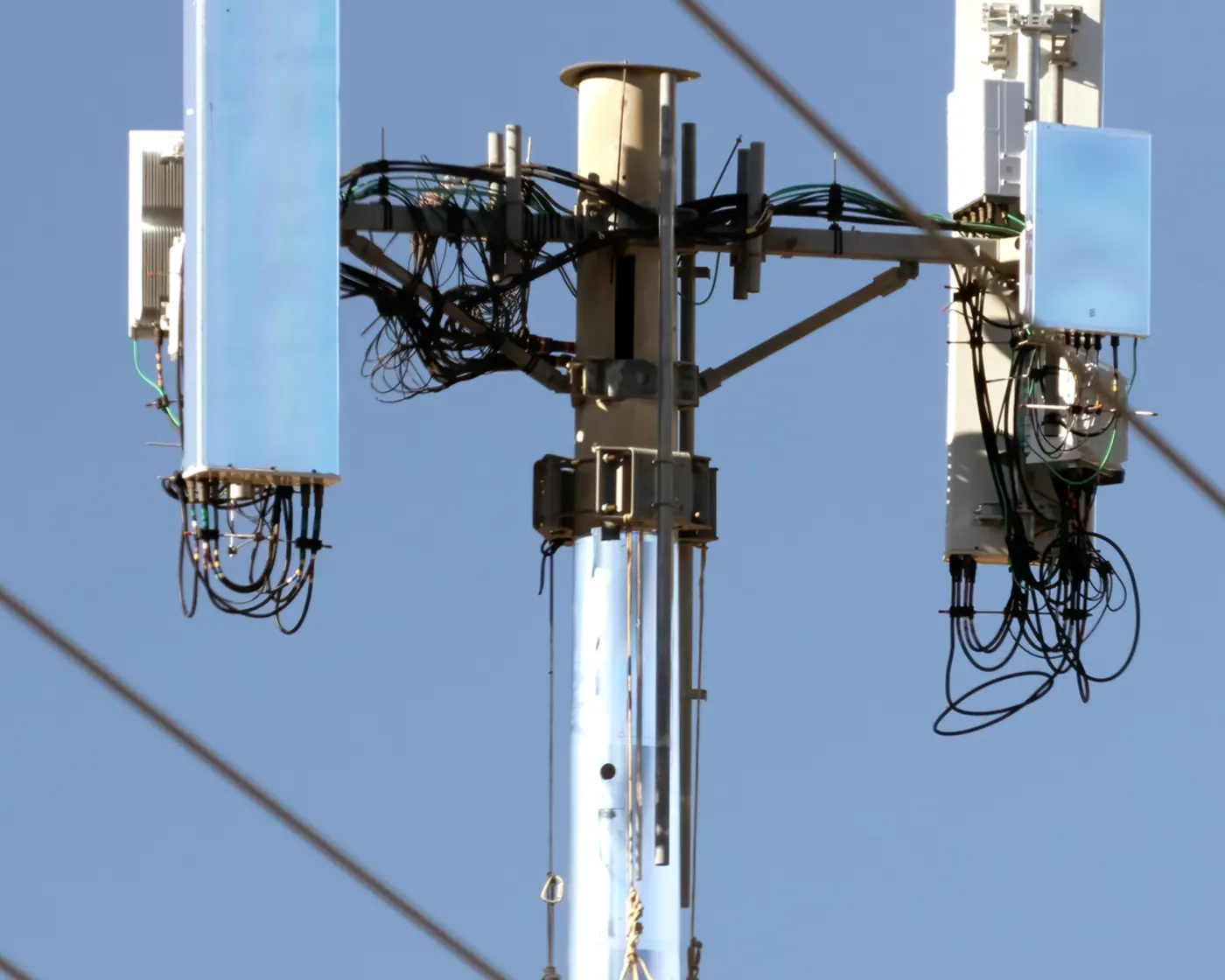
Airfy builds radio links between its devices where your site needs them.
05 · Operations
Updates come from the Airfy Cloud, which already runs Airfy’s other Wi‑Fi sites. After go‑live, Airfy runs the network for you.

03 · One team
The usual way
With Airfy
Explaining your site
The usual wayAgain at every hand‑off
With AirfyOnce.
You explain your site once.
For site operators
Your technicians and maintenance teams get a network that lives where they do their job: on the yard, in the hall, down the tunnel.
For system integrators
Bring Airfy in for the custom node, the radio links and the operation afterwards, as one piece of your project.
04 · How a project starts
Tell us about four things: the environment, the application, the connectivity on site and the project.
You get an offer with scope and steps for your site. There is no price list, because no two sites are alike.
Airfy builds device, firmware and radio links, then runs the network as a managed service.
05 · Where we stand
What runs in the field, what is proven on the test bench, and what isn’t built yet.
Test bench
Cable connected
On the test bench, the radio link keeps carrying the traffic when the cable is pulled. In the field, radio between Airfy devices runs alongside the cable today.
In the field
Radio links between Airfy devices run in the field today, next to the cable.
On the test bench
Pull the cable and the radio link keeps the traffic going.
Not built yet
Per project
There is no finished outdoor device with a protection rating or temperature certification. Robustness is engineered for each project.
References
Industrial mesh has no customer and no reference yet.
Something missing?
Tell us what your site needs.
If your site needs something this page doesn’t show, describe it in your inquiry. Airfy tells you plainly what it can do today and what it can’t.
06 · Inquiry
Four short parts: environment, application, connectivity, project. From your answers, Airfy prepares an offer with scope and steps.
We use your details to answer your request. Spam protection and delivery run through Cloudflare Turnstile and Twilio SendGrid, including in the USA. See our privacy notice.


Site brief
Thank you.
Your site brief is with Airfy. You will hear back at with an offer that sets out scope and steps.
That didn’t go through.
Please send your site brief by email instead. It is already written out for you.